
ReferralStack is designed to help businesses unlock faster, sustainable growth through customer-driven advocacy. By making it effortless to launch and manage referral programs, it empowers teams to turn happy customers into powerful advocates. This guide will walk you through setting up your account to launch your first campaign.
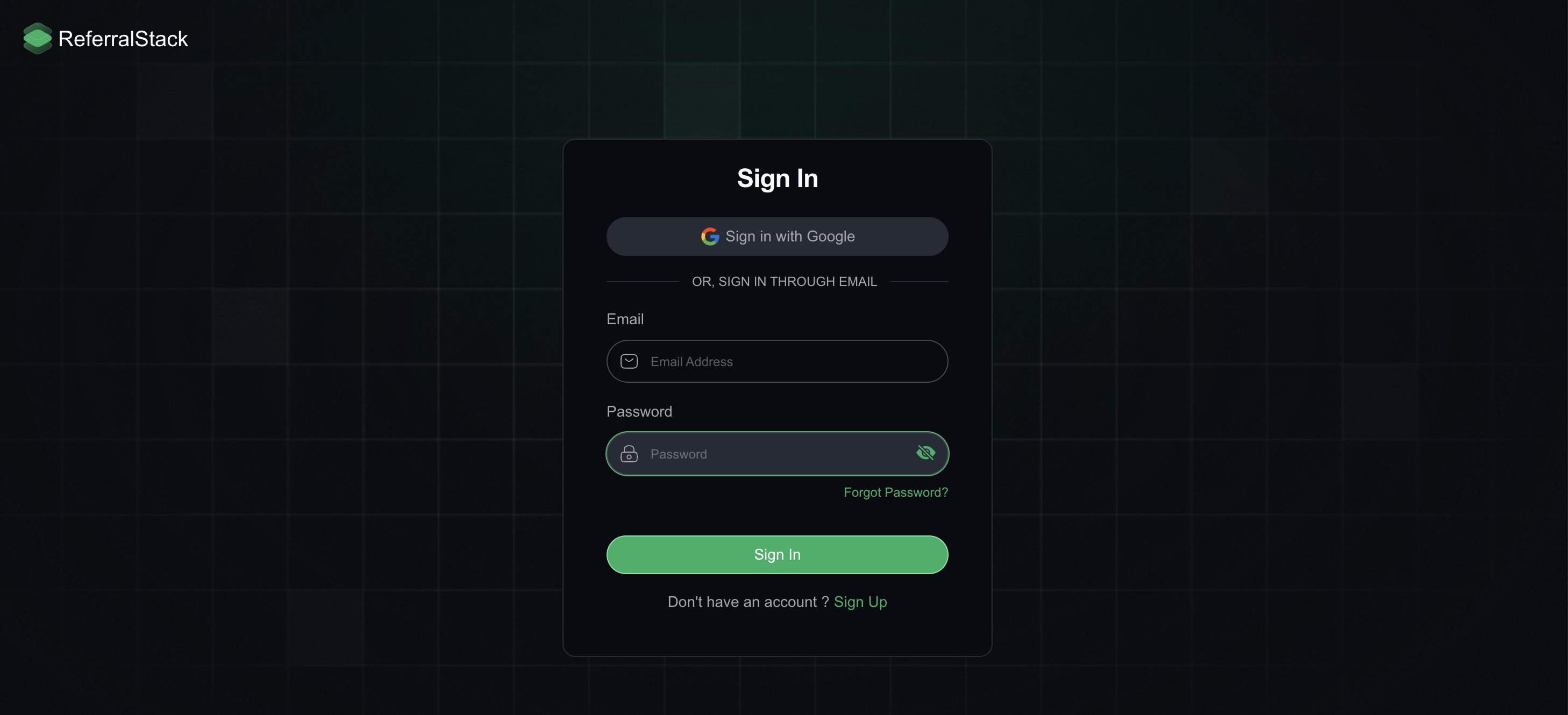
Get Started: Create or Sign In to Your Account: You can create an account or sign in on ReferralStack using either your email and password or your Google account.
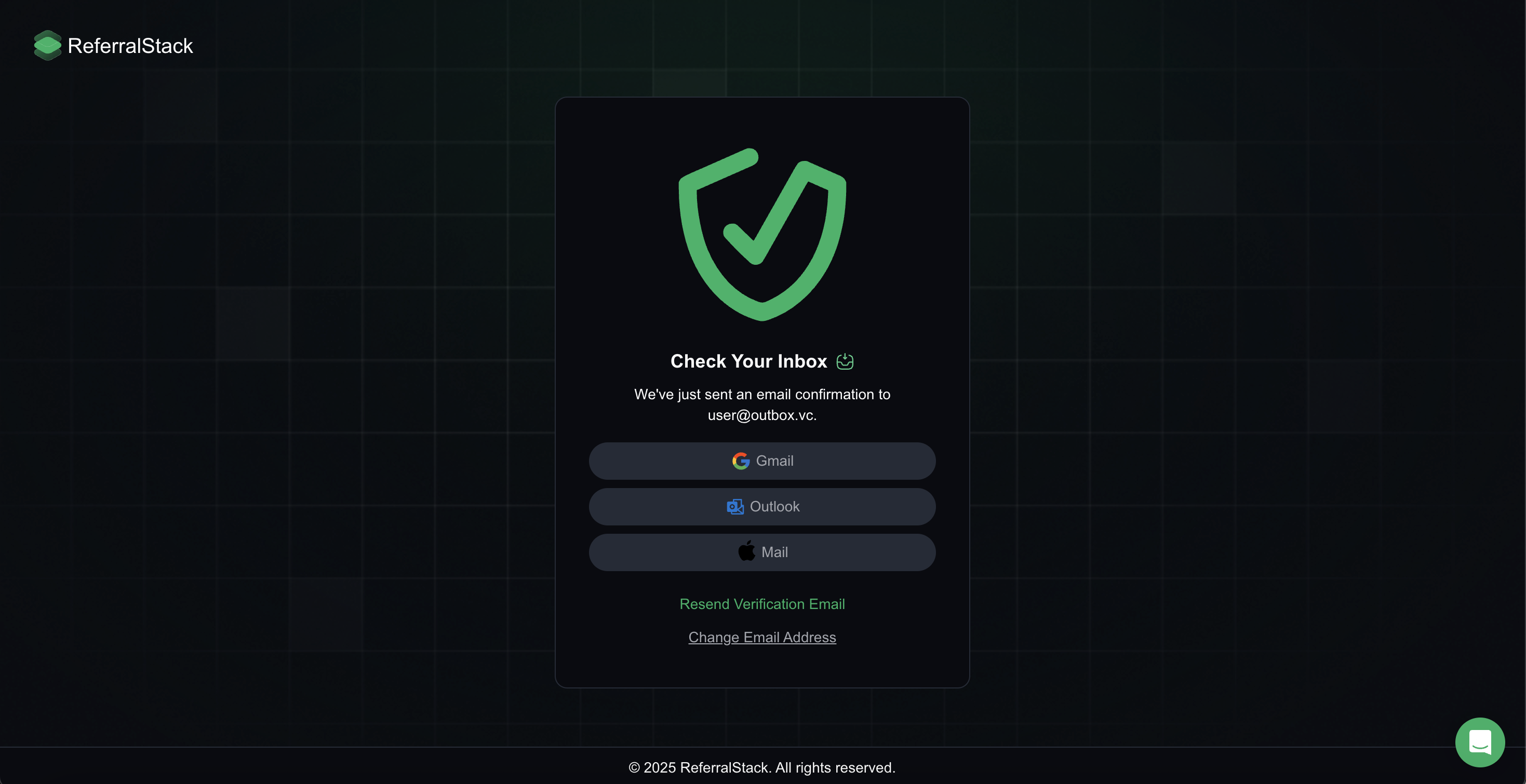
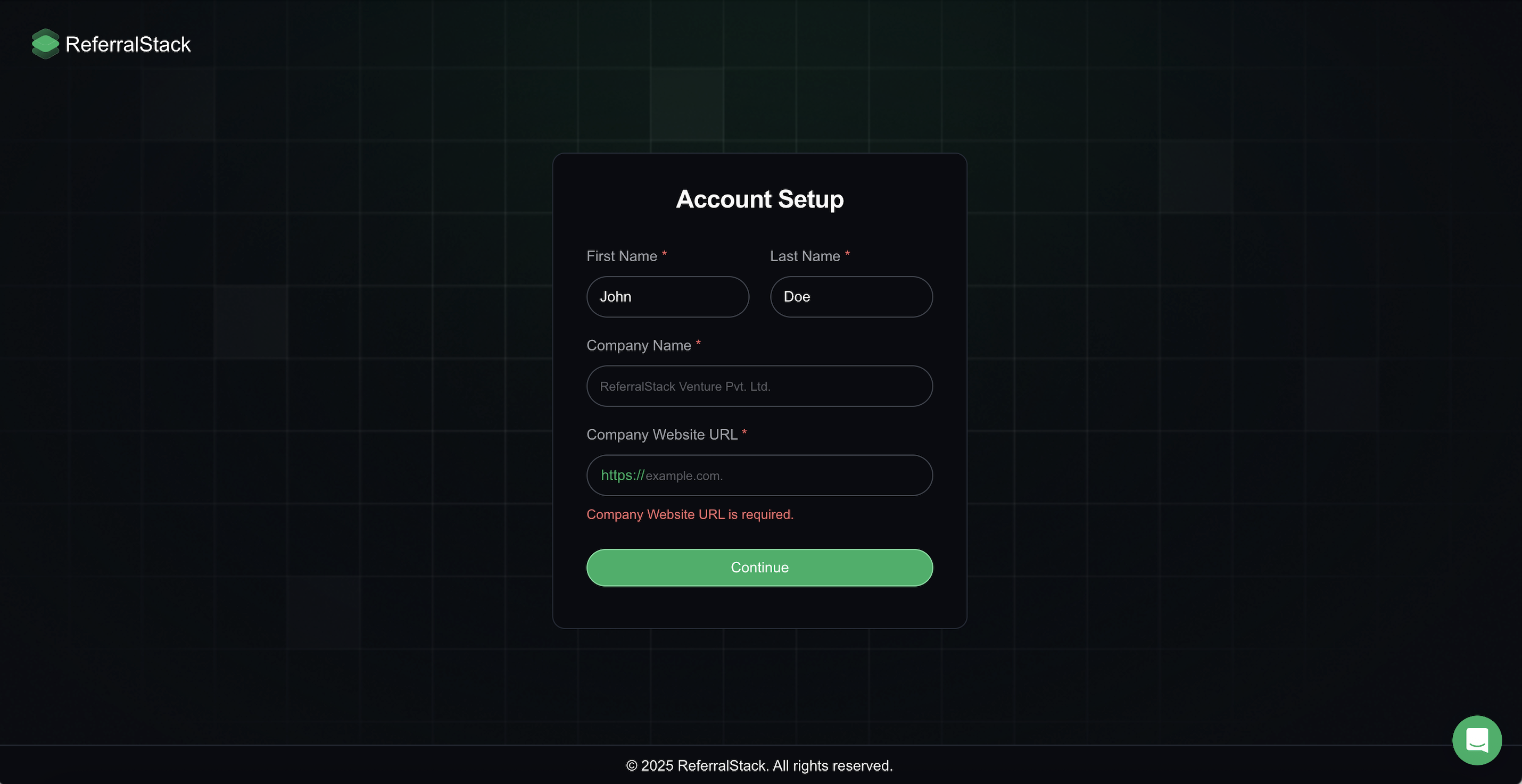
2. Verify Your Email and Set Up Your Account: Verify your email by clicking the confirmation link sent to your inbox. Once verified, you’ll be directed to the account setup page. Enter your first name, last name, company name, and company URL to continue.
3. Enter Your Details to Complete Your Account Setup: You can then proceed to set up your account by entering your first name, last name, company name, and website URL.
Setup Flow Configuration
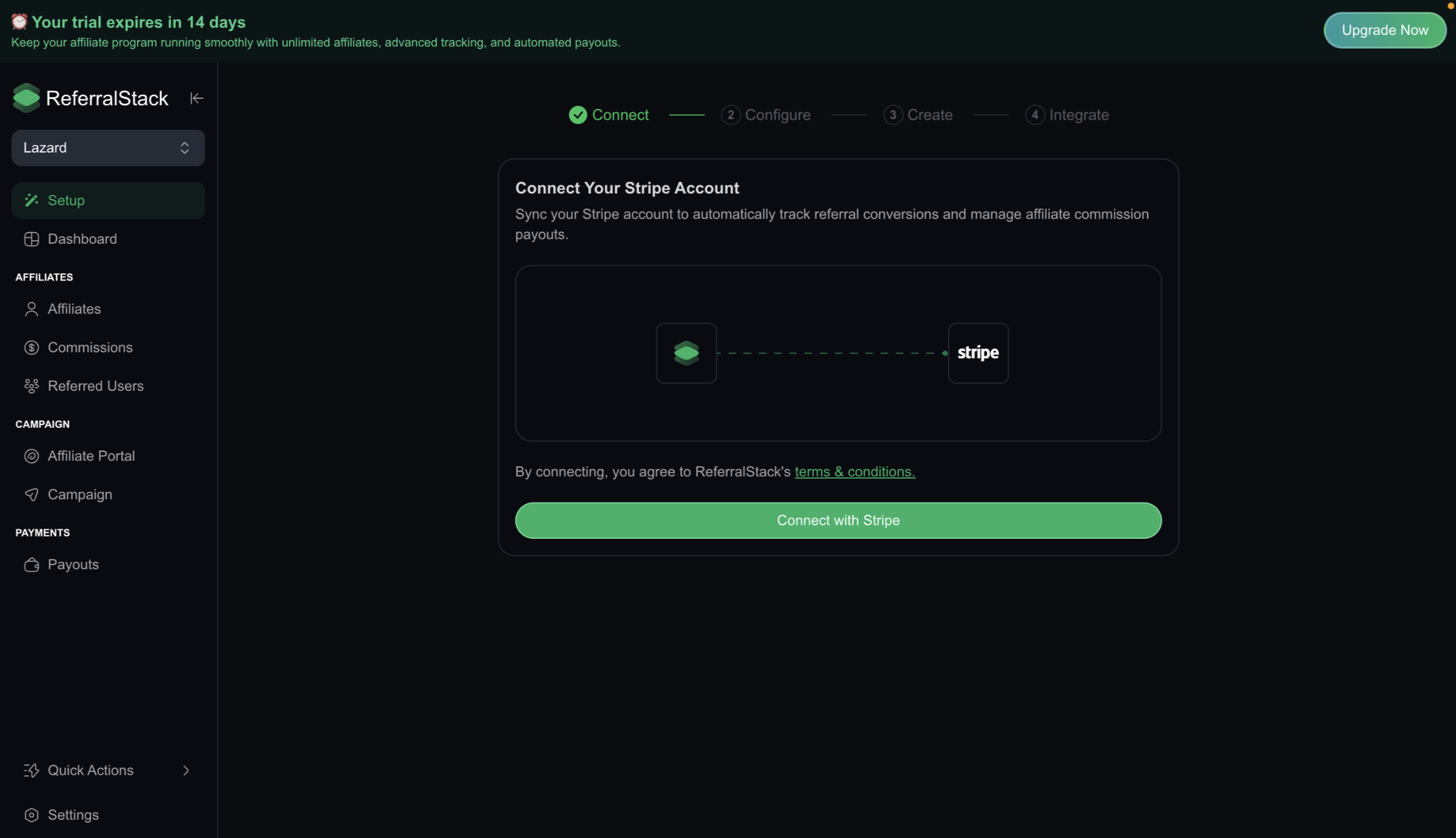
After setting up your profile, you will complete four key stages: Connect, Configure, Create, and Integrate.
1. Connect:
Link your Stripe account to ReferralStack to enable automatic tracking of referral conversions.
2: Configure:
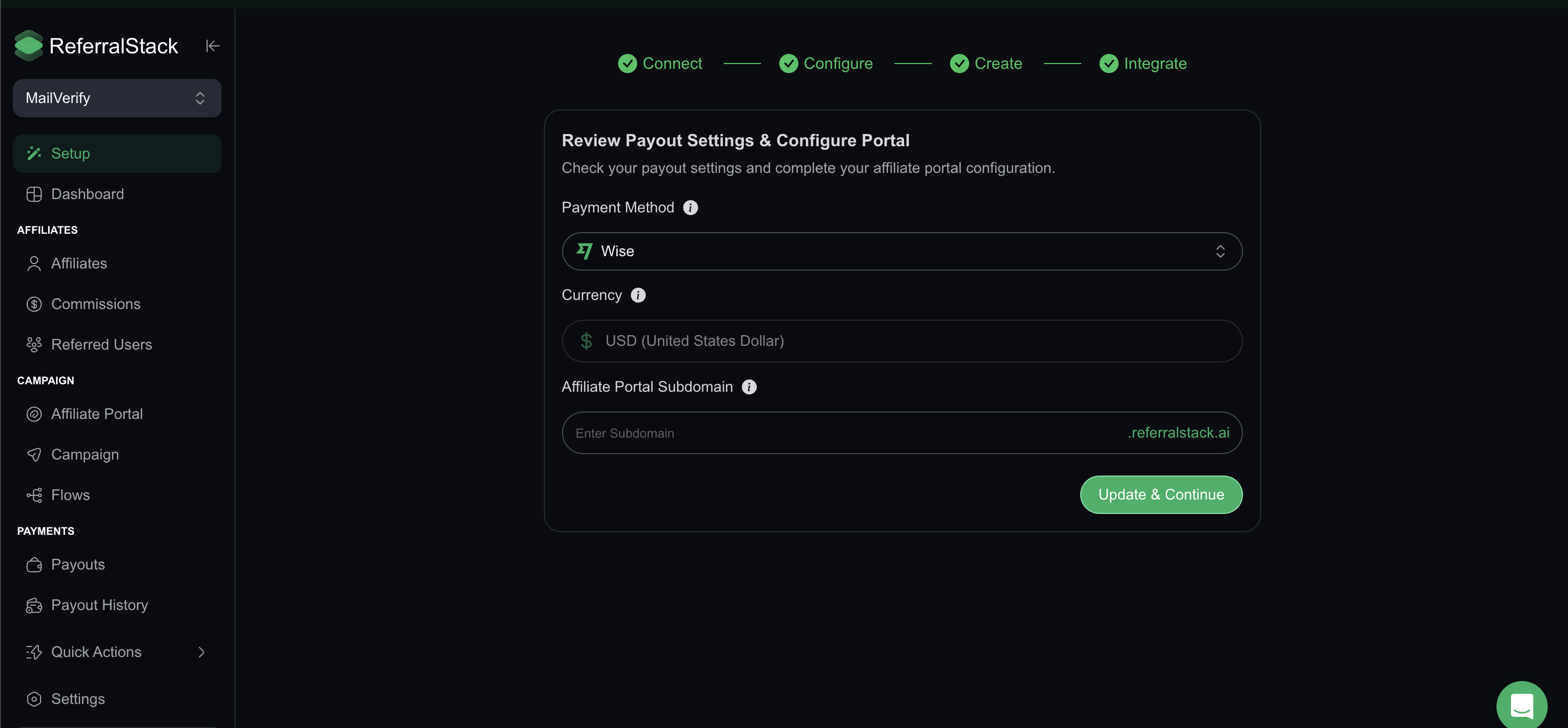
Next, you’ll configure your payout settings and affiliate portal link. This step determines how your payouts function including payout methods, currency, and your branded affiliate portal.
Select Payout Method: Choose your preferred payout method, PayPal, Wise or both, to determine how your affiliates will receive their earnings.
Set Currency: All commissions and payouts are currently processed in USD to keep your reports and payments consistent. Support for additional currencies is planned.
Customize Affiliate Portal Subdomain: Configure a unique subdomain for your branded affiliate portal (e.g., affiliates.yourdomain.com).
3: Create:
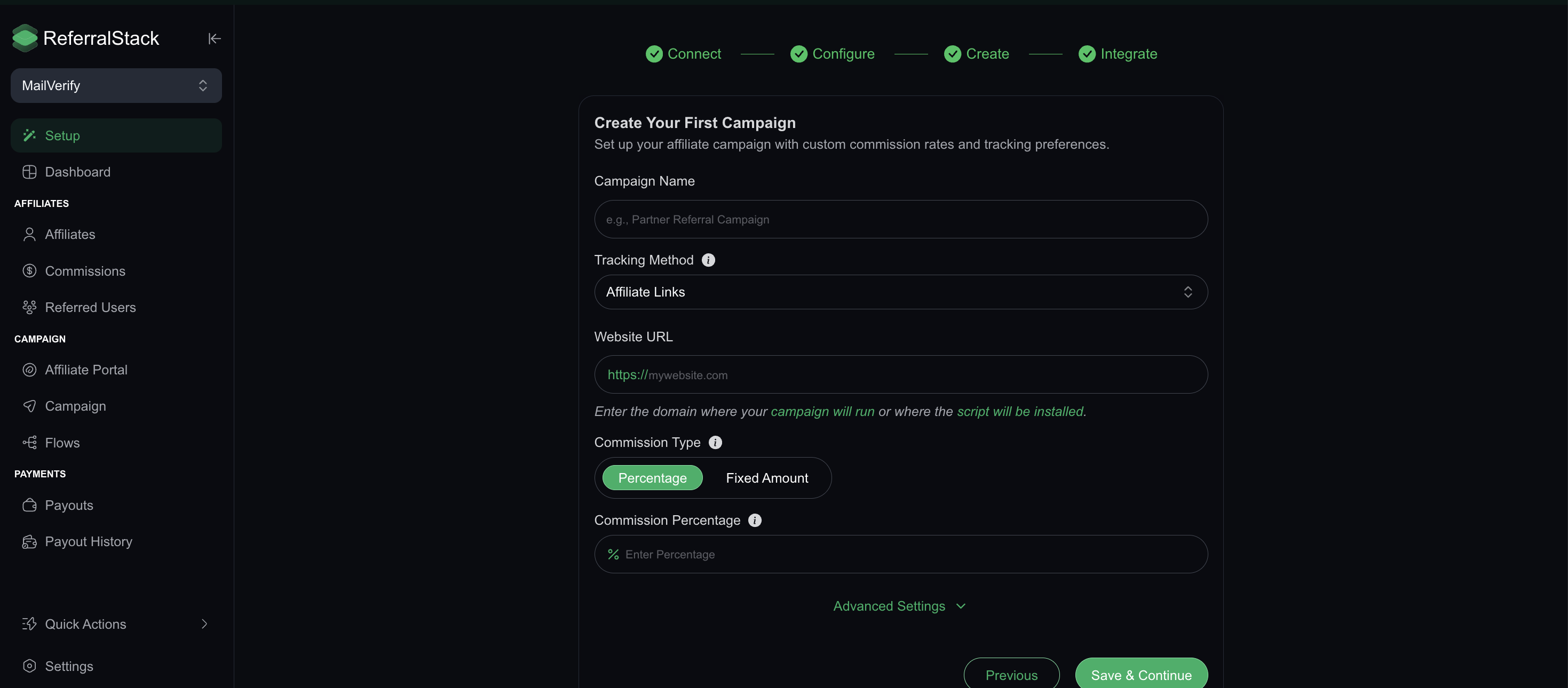
In the Create stage, set up your campaign by providing a name and selecting a tracking method (links or coupons). Enter the website URL where the campaign will run and choose a commission type (percentage or fixed amount). You can also configure advanced settings to tailor the campaign to your needs.
For a more detailed walkthrough, please see our guide on setting up campaigns.
4. Integrate :
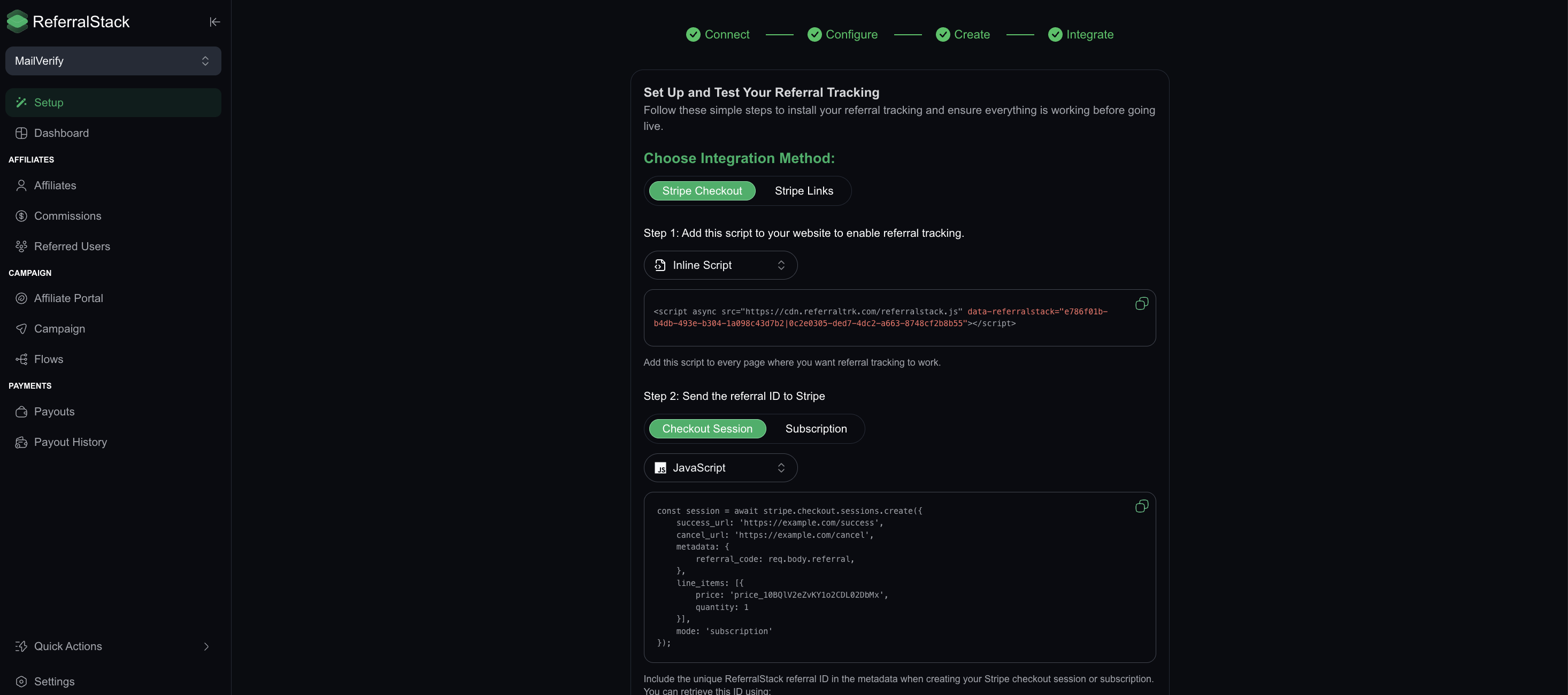
The final stage is to Integrate your campaign to enable referral tracking. You can choose between two integration methods:
Stripe Checkout: Ideal for using Stripe’s hosted payment page for a seamless checkout experience.
Stripe Link: Best for embedding Stripe payments directly on your website or app for more control.
The integration involves adding a script to your website. For detailed instructions, please refer to our Stripe integration guide.
By following these steps, you can successfully complete the initial setup process in ReferralStack. If you have any questions or need further assistance, our support team is always ready to help.