
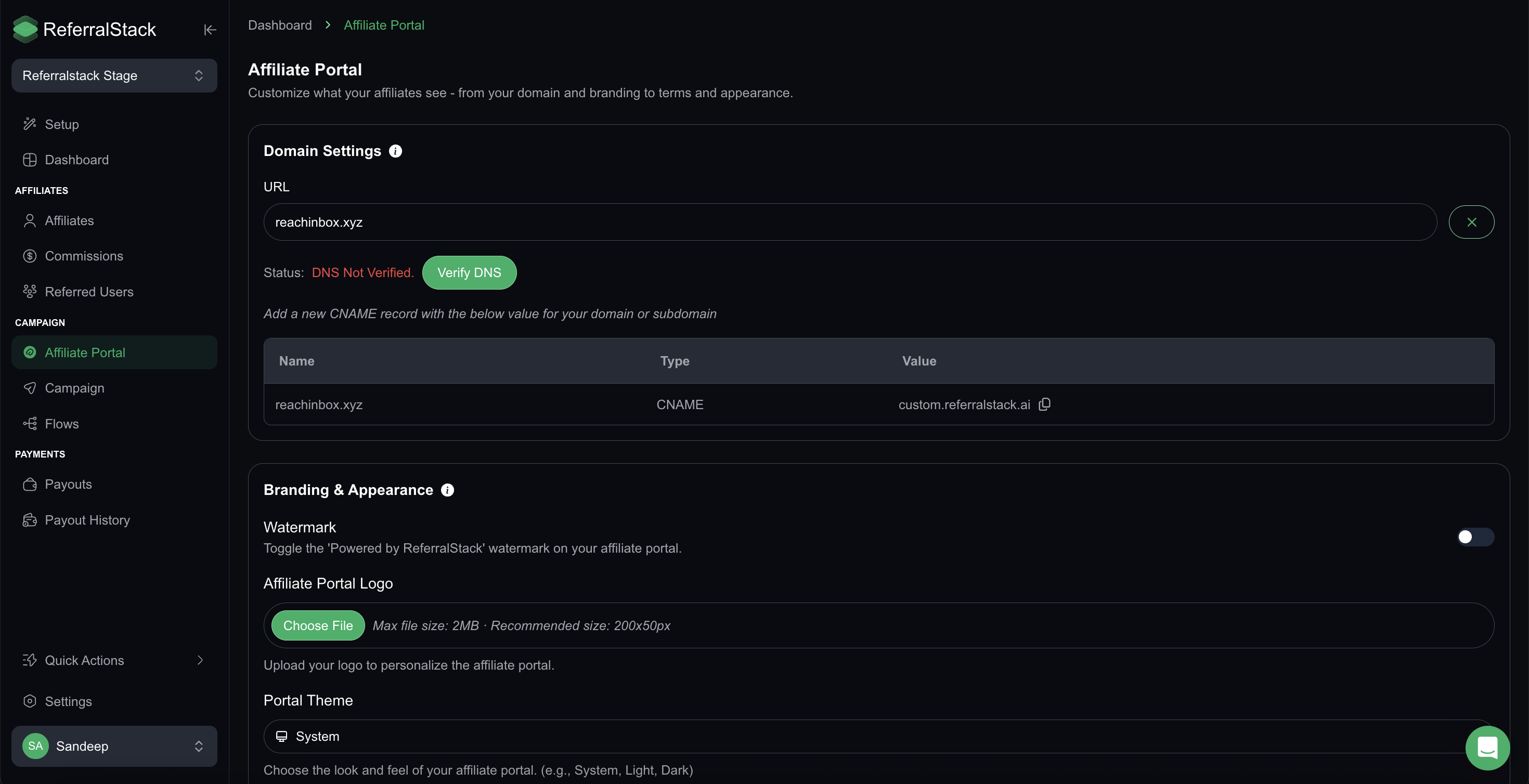
The affiliate portal is where your affiliates log in, track their progress, and access their referral tools. With ReferralStack, you can fully customize this portal to reflect your brand — from the domain name to the look, feel, and terms of your program.
A well-branded and clear affiliate portal builds trust, improves engagement, and creates a more professional experience for your affiliates.
Getting Started:
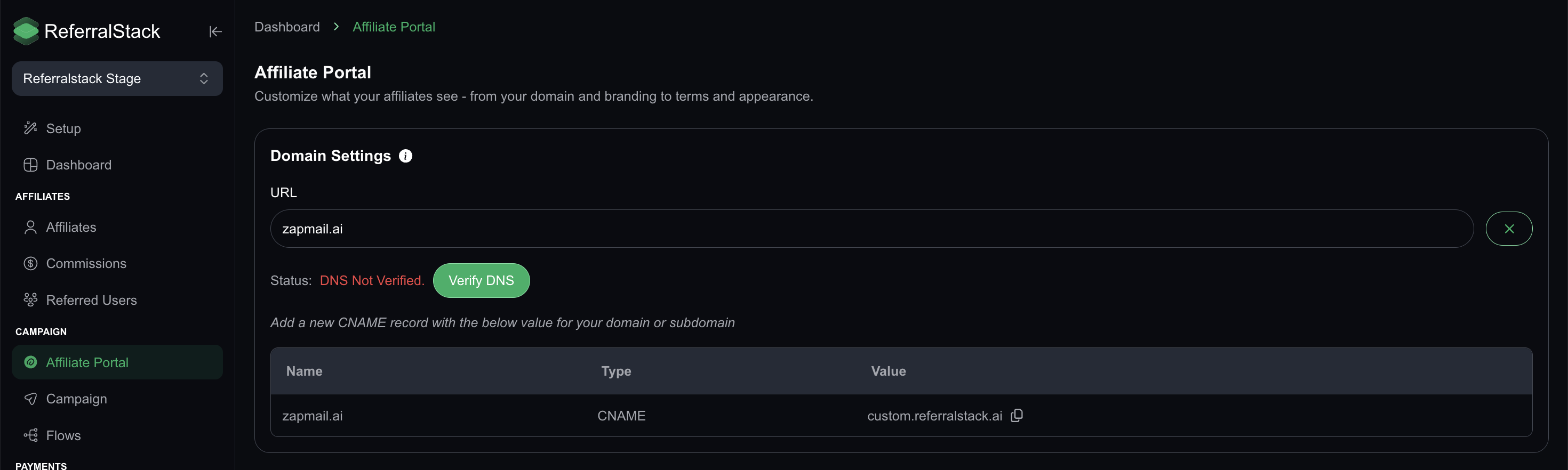
Configure Your Affiliate Portal Domain
You can set up a custom domain for your affiliate portal to give it a more professional, branded appearance. Instead of using the default ReferralStack link, you can connect your own domain—such as affiliates.yourbrand.com. To do this, simply add the provided CNAME record to your domain’s DNS settings.
Note: This feature is only available on Growth and Pro plans
2. Customize Branding & Appearance
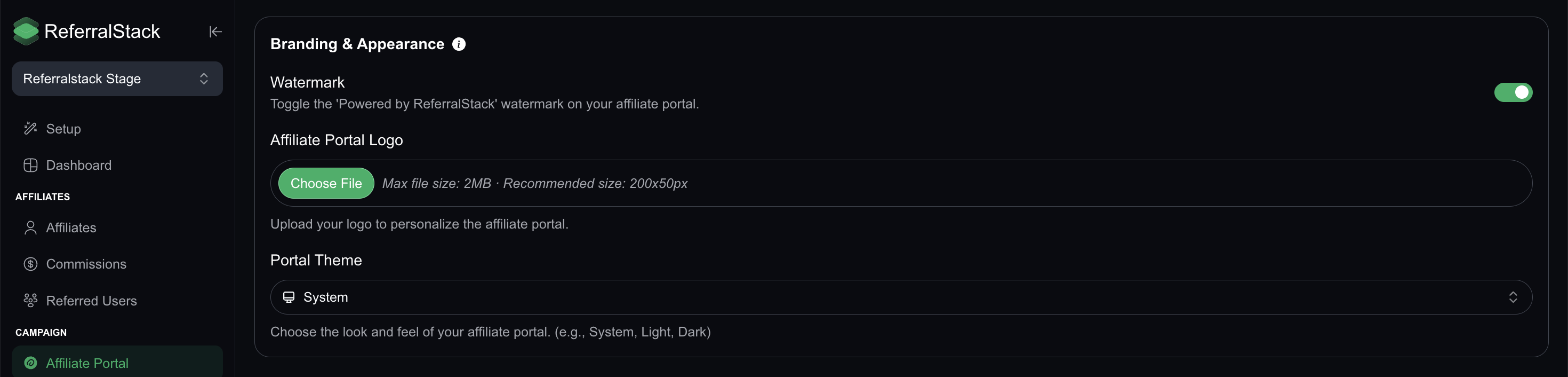
Make your affiliate portal look and feel like an extension of your brand by customizing its appearance. You can adjust the following:
Affiliate Portal Logo: Upload your company logo to be displayed on the portal.
Portal Theme: Choose a visual theme from System, Light, or Dark.
Watermark: Toggle the “Powered by ReferralStack” branding on or off.
Note: Custom logo and watermark settings are available only on Growth and Pro plans.
3. Set Your Program Policies
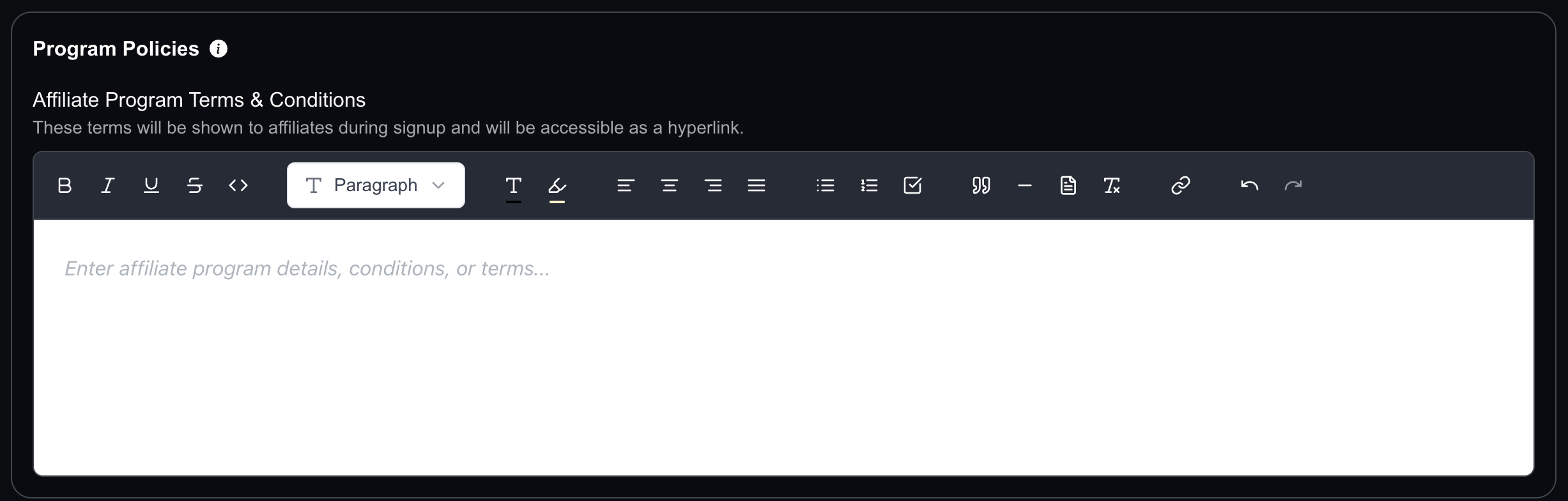
Define the rules and expectations of your affiliate program by adding Terms & Conditions that affiliates must agree to when signing up. These terms are shown during affiliate signup and are linked in the affiliate portal for easy access.
For example, you can include policies like minimum age, prohibited promotion methods, or payout rules.
Note: Clear terms help avoid confusion and protect your business from misuse.
Your affiliate portal is now fully customized and ready to go! A branded, well-structured portal gives your affiliates a smooth experience and sets the tone for a successful partnership. If you have any questions or need help, feel free to reach out — we're here to support you.