
The Payout History section provides a complete view of all past payouts, with details on payout month, amount, method, and status. You can also export historical data for accurate record-keeping.
The Payout History section shows all completed payouts, which are stored here once paid and updated after each new payout cycle.
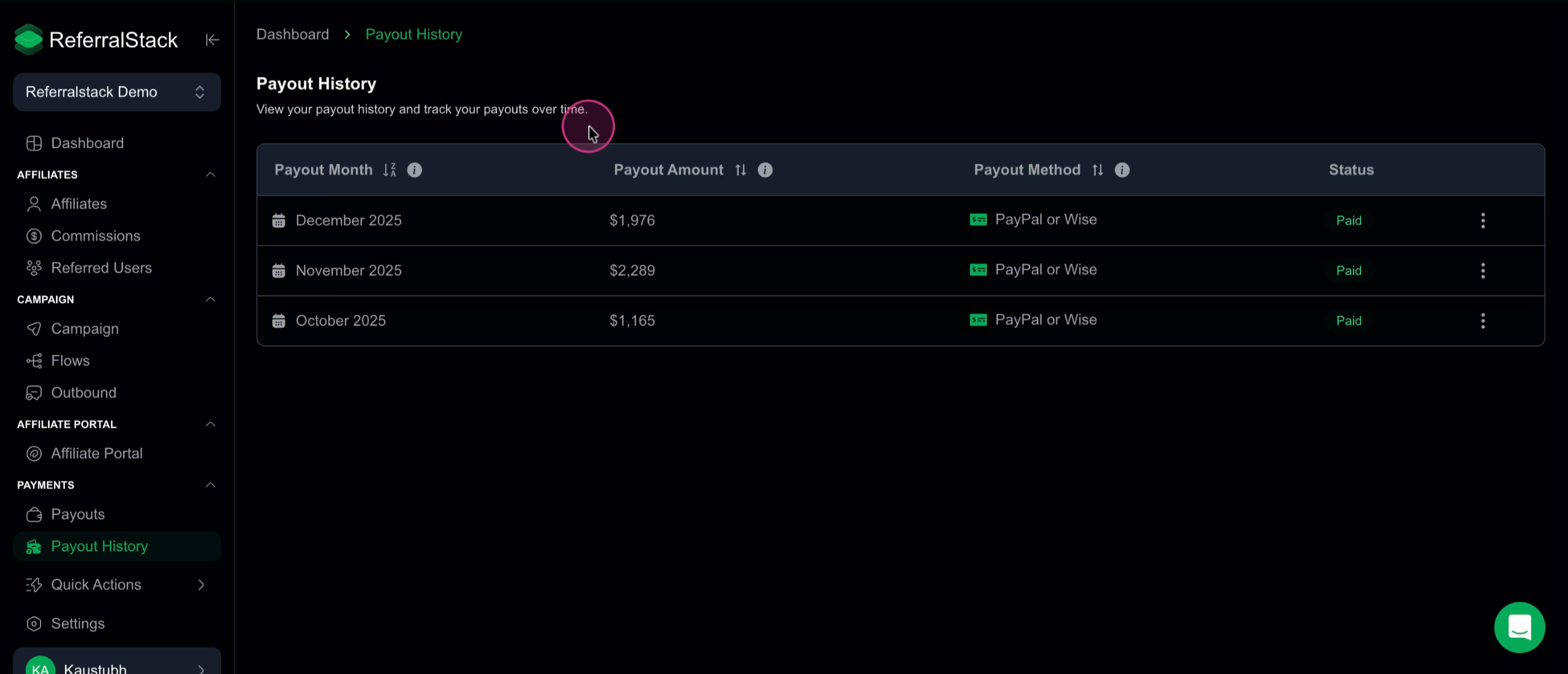
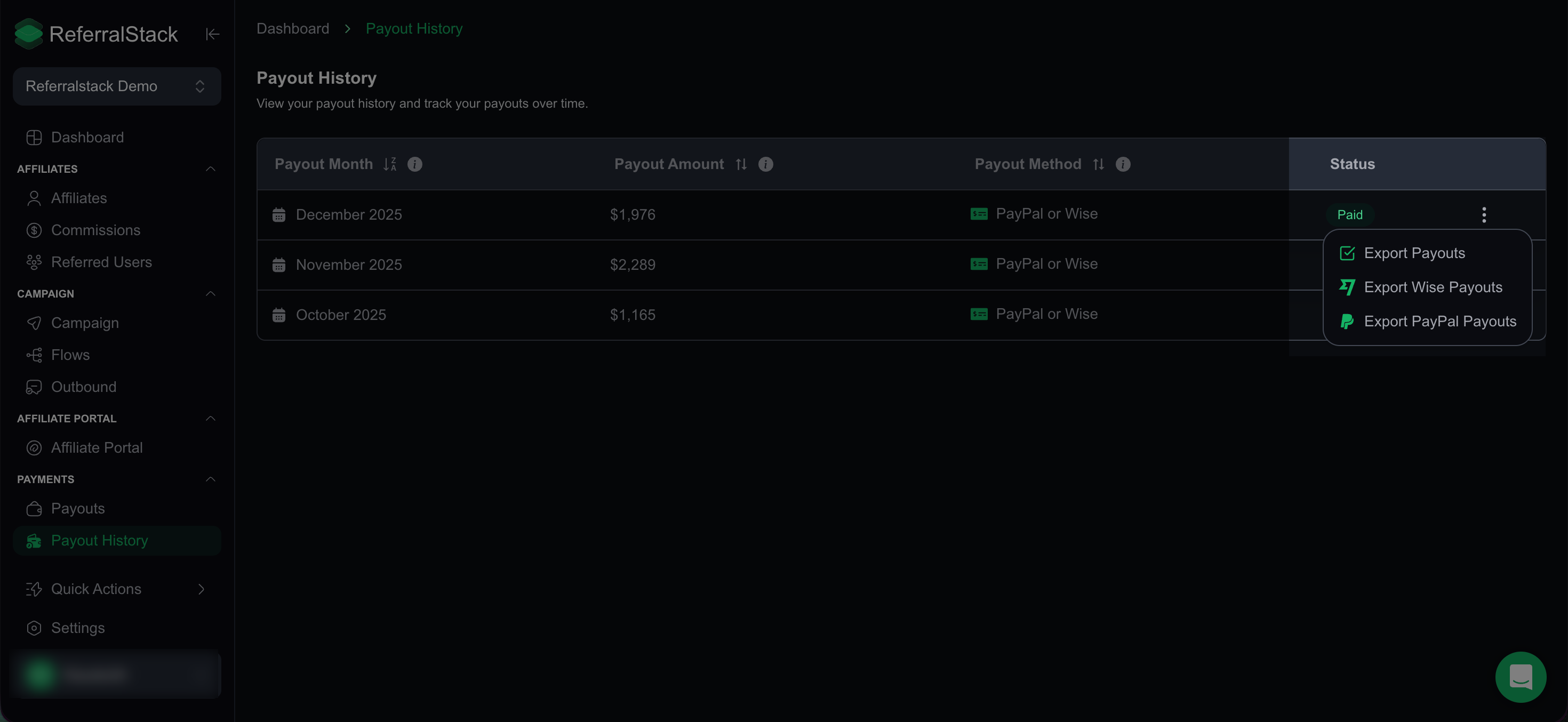
Monitor your payout history and view details such as payout month, amount, method, and status. You can also export all historical payout data including Wise and PayPal payments anytime.
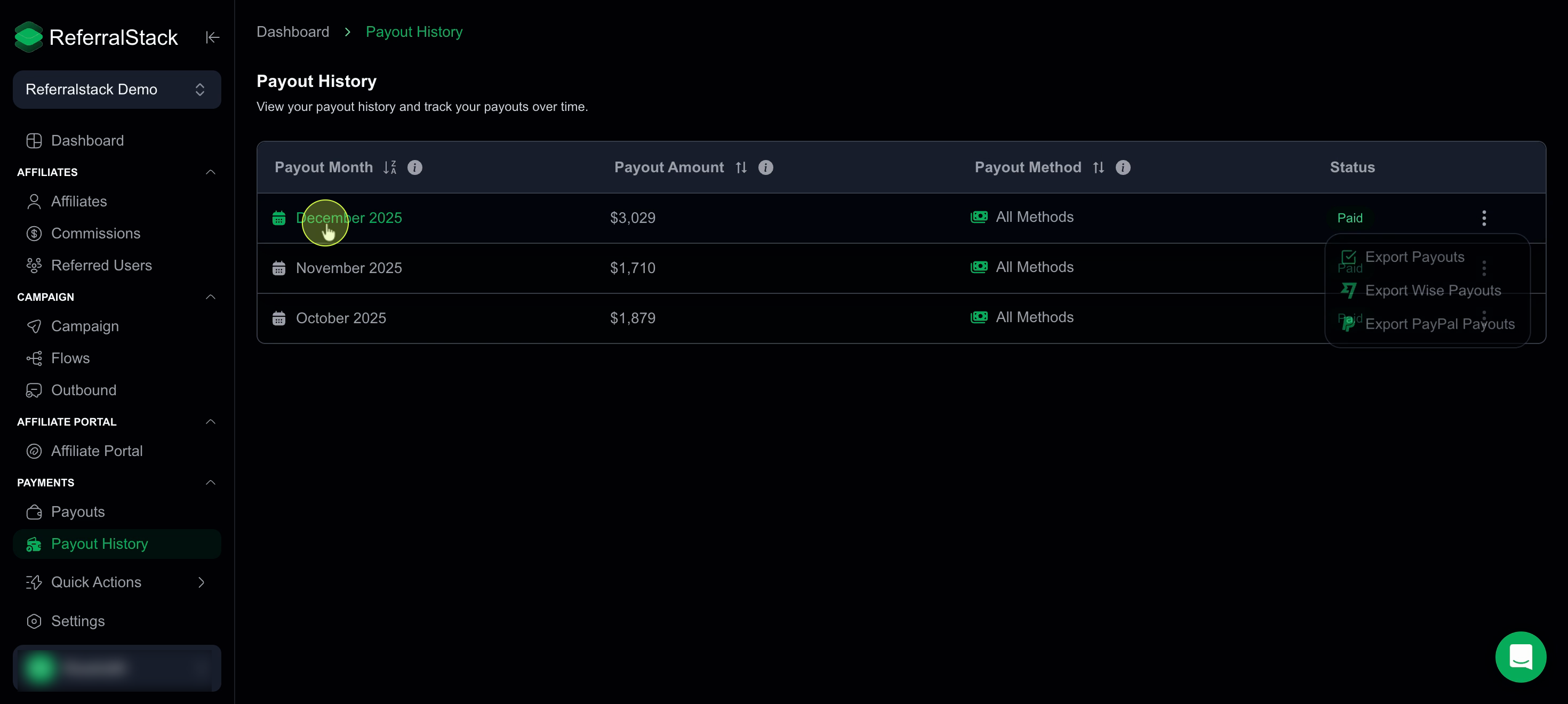
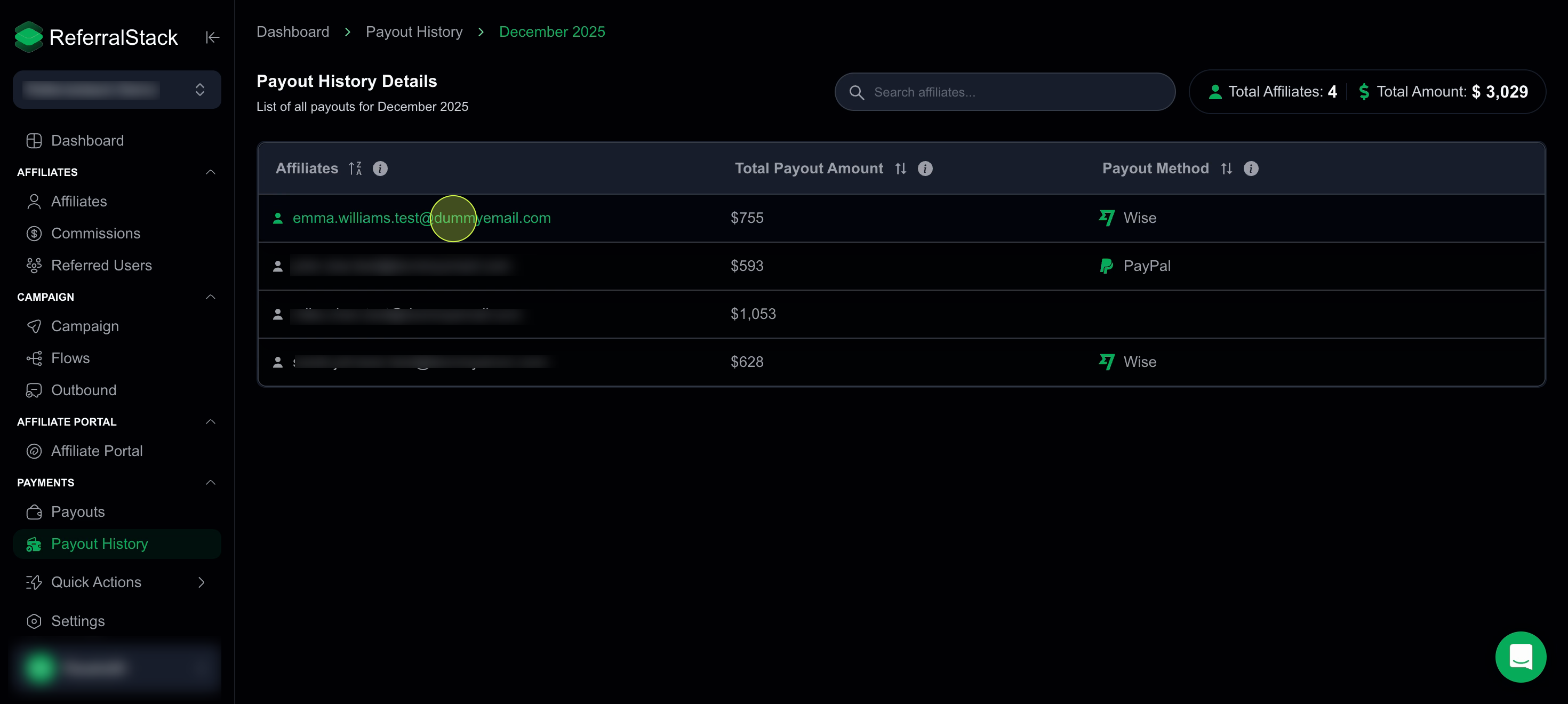
Click on any payout entry to view detailed information for that month, including the list of affiliates, the total payout amount, and the specific payout method used.
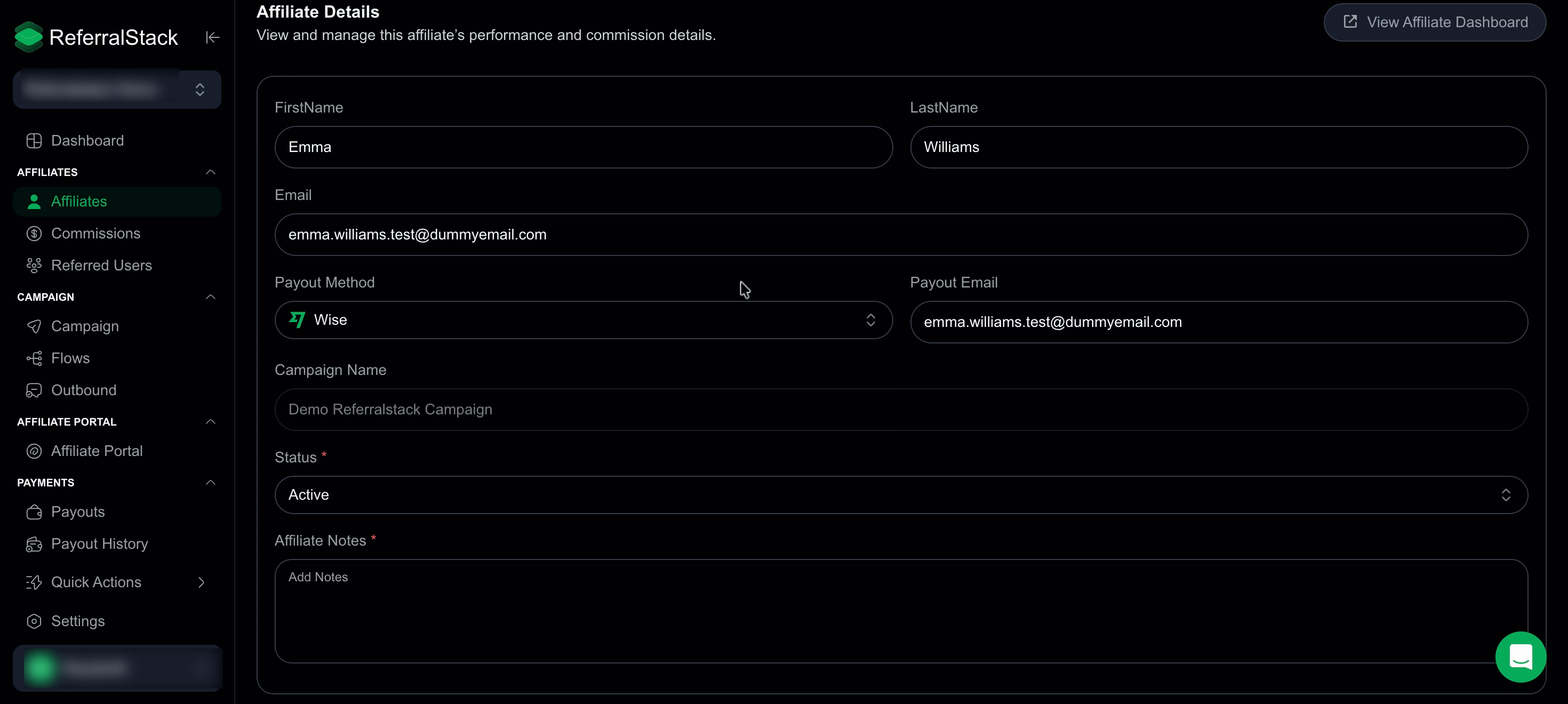
Click on an affiliate’s email to open their detailed profile. From there, you can review and update payout details, change the payout status, and edit affiliate information as needed to keep your records accurate and up to date.
ReferralStack makes it easy to review past payouts, track payment details, and maintain comprehensive records for accountability and transparency.With clear visibility into every transaction, you can confidently manage affiliate payments and ensure accurate reporting at all times.