
Use the Referred User Dashboard to track and manage all users referred by affiliates. This dashboard makes it easy to view user details, update referral status, and handle commissions.
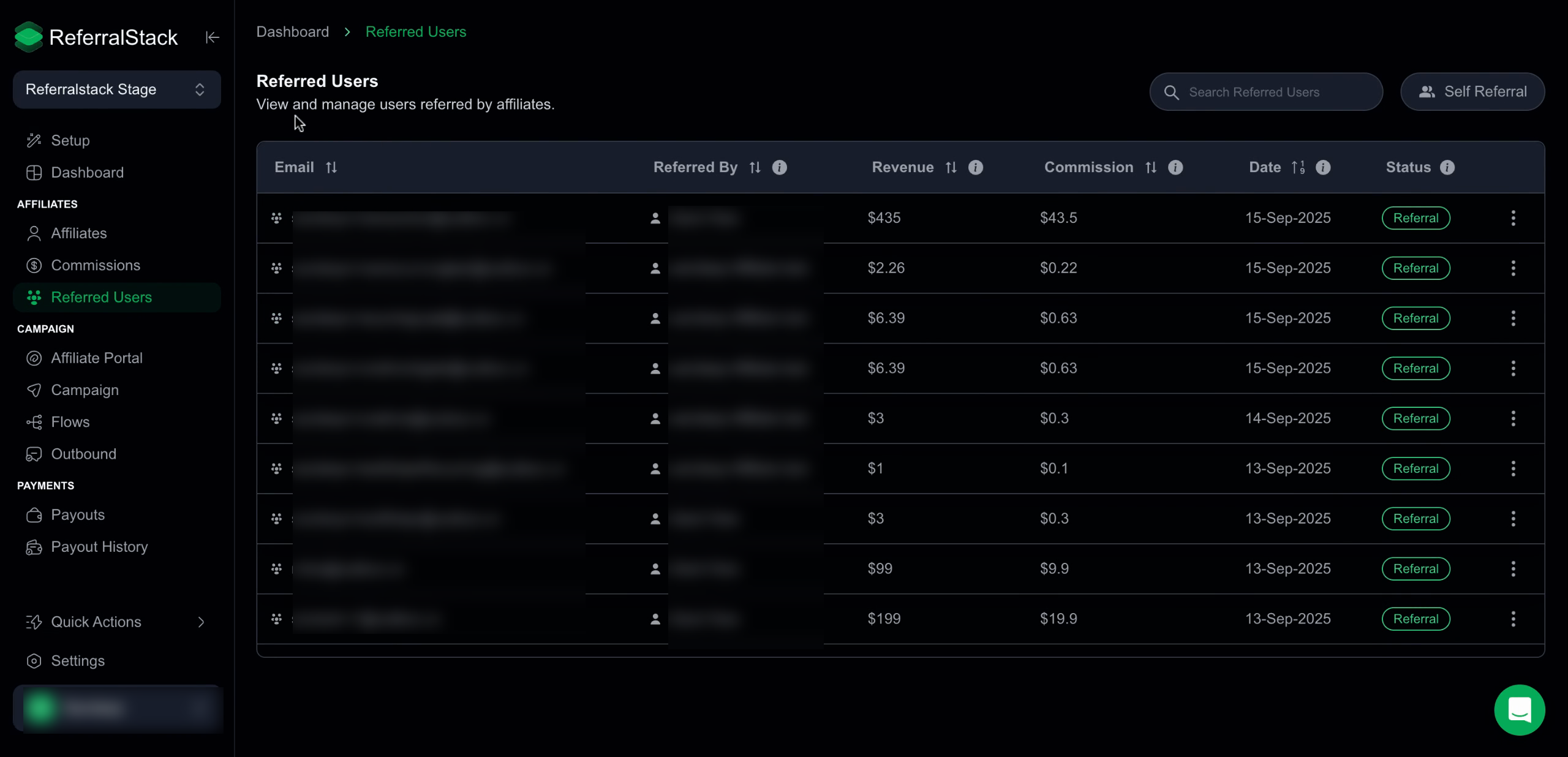
Open the Referred User Dashboard to view all users referred by affiliates. Easily review each user’s details, including email, referrer, commission, date, and current status.
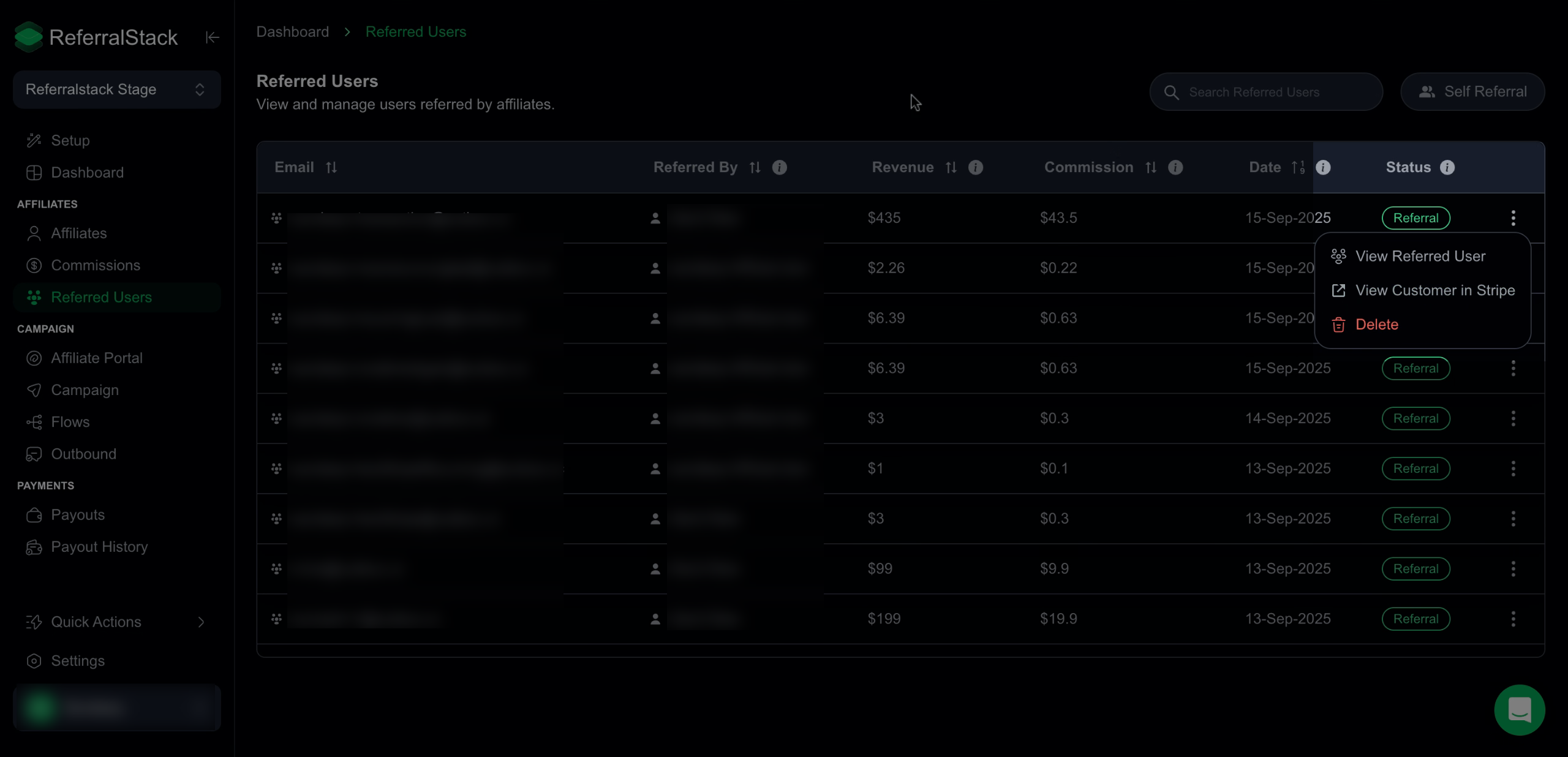
2. Click View Customer in Stripe to see detailed information about a user in your Stripe account, or select Delete to remove them from the dashboard.
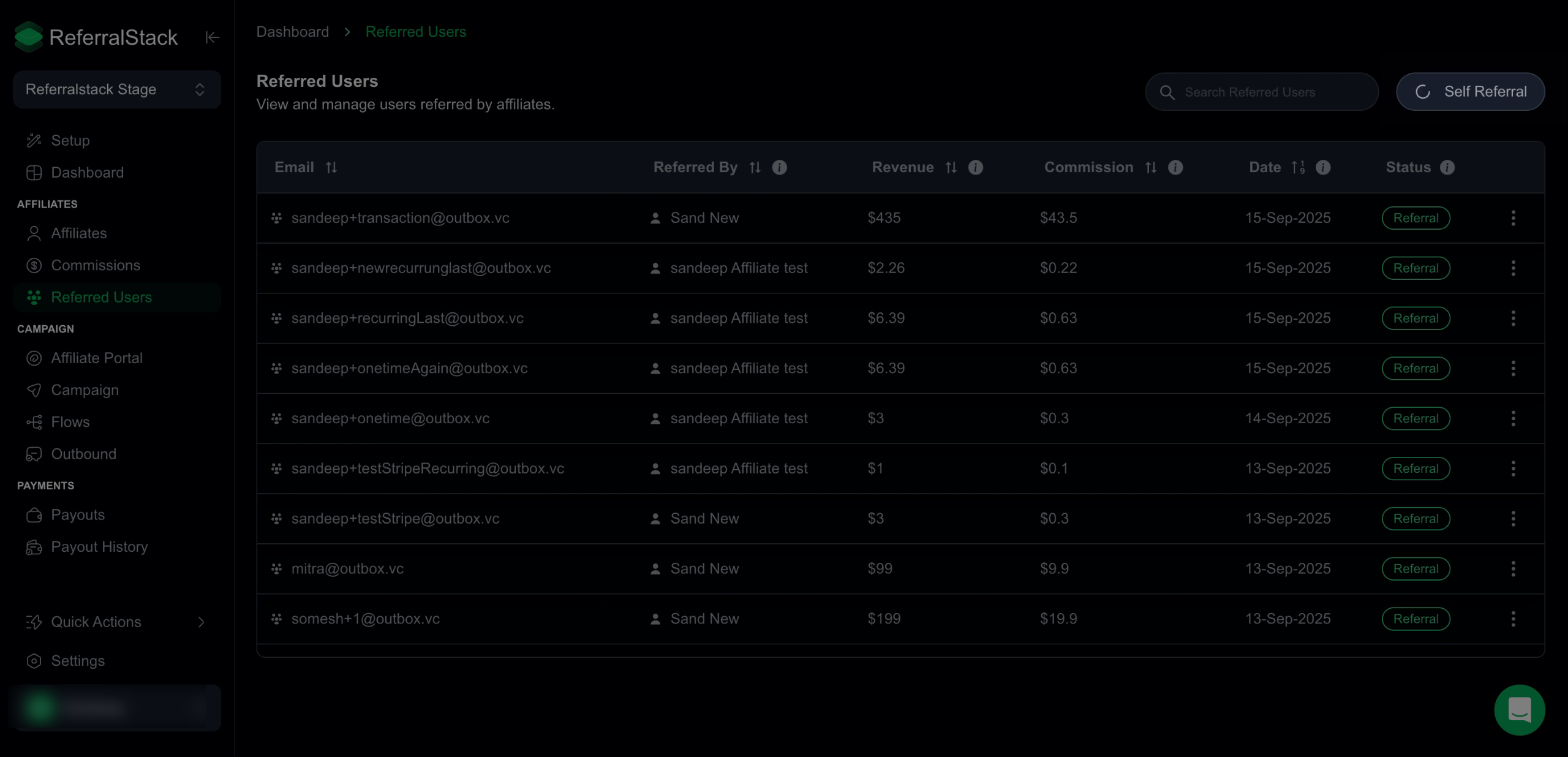
3. Click Self-Referral on the dashboard to filter and view only self-referred users. Easily track self-referrals and referred users to streamline affiliate rewards and manage commissions efficiently.
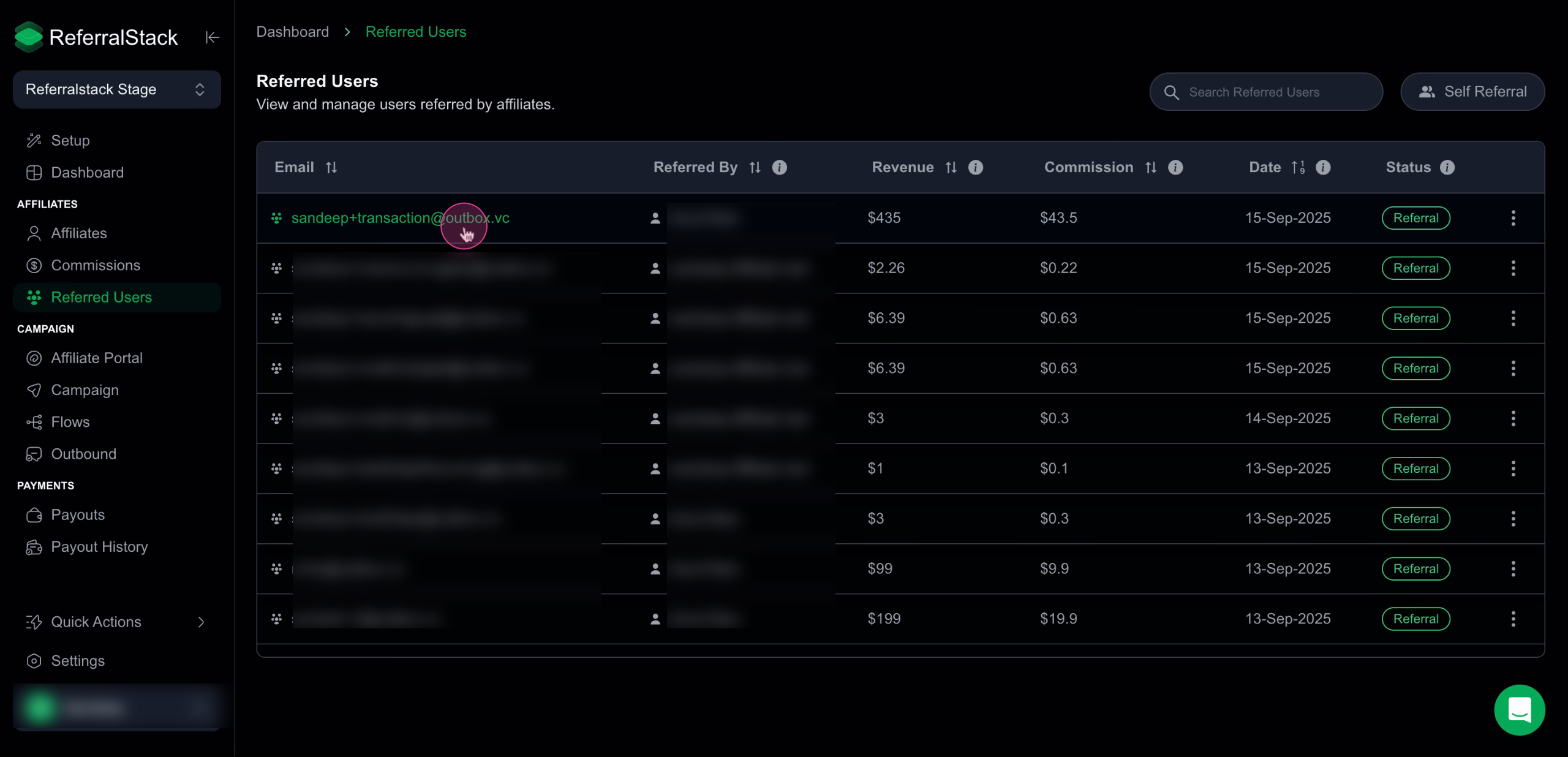
4. Select any user from the list to view detailed information, including their email, name, referral status, and other relevant details to help you manage referrals and track commissions effectively.
5. Update a user’s referral status to Referral or Self-Referral, and add or modify commissions as needed. You can also view the corresponding affiliate for the referred user and the customer in Stripe, helping you maintain accurate records and ensure smooth earnings distribution.
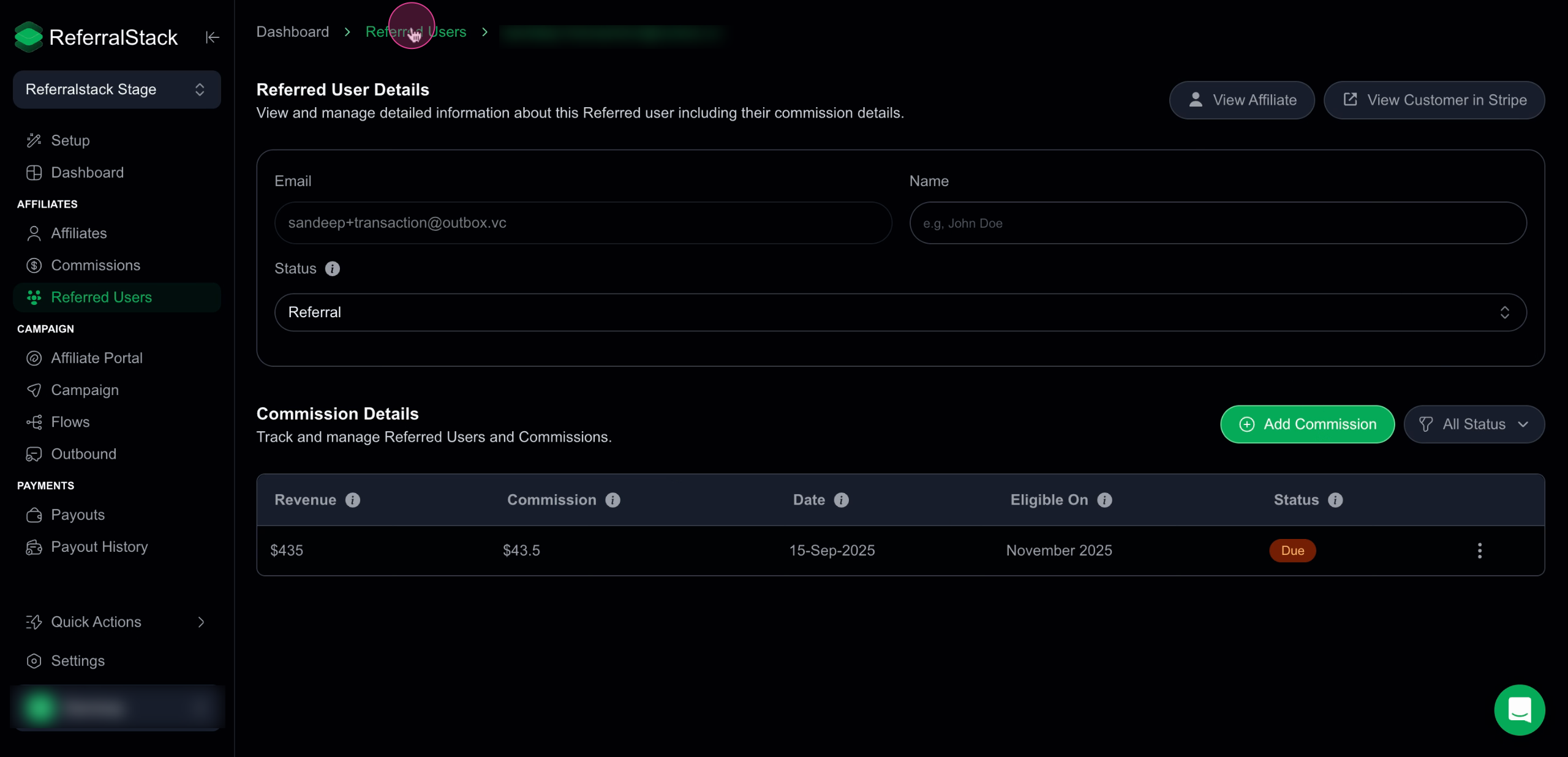
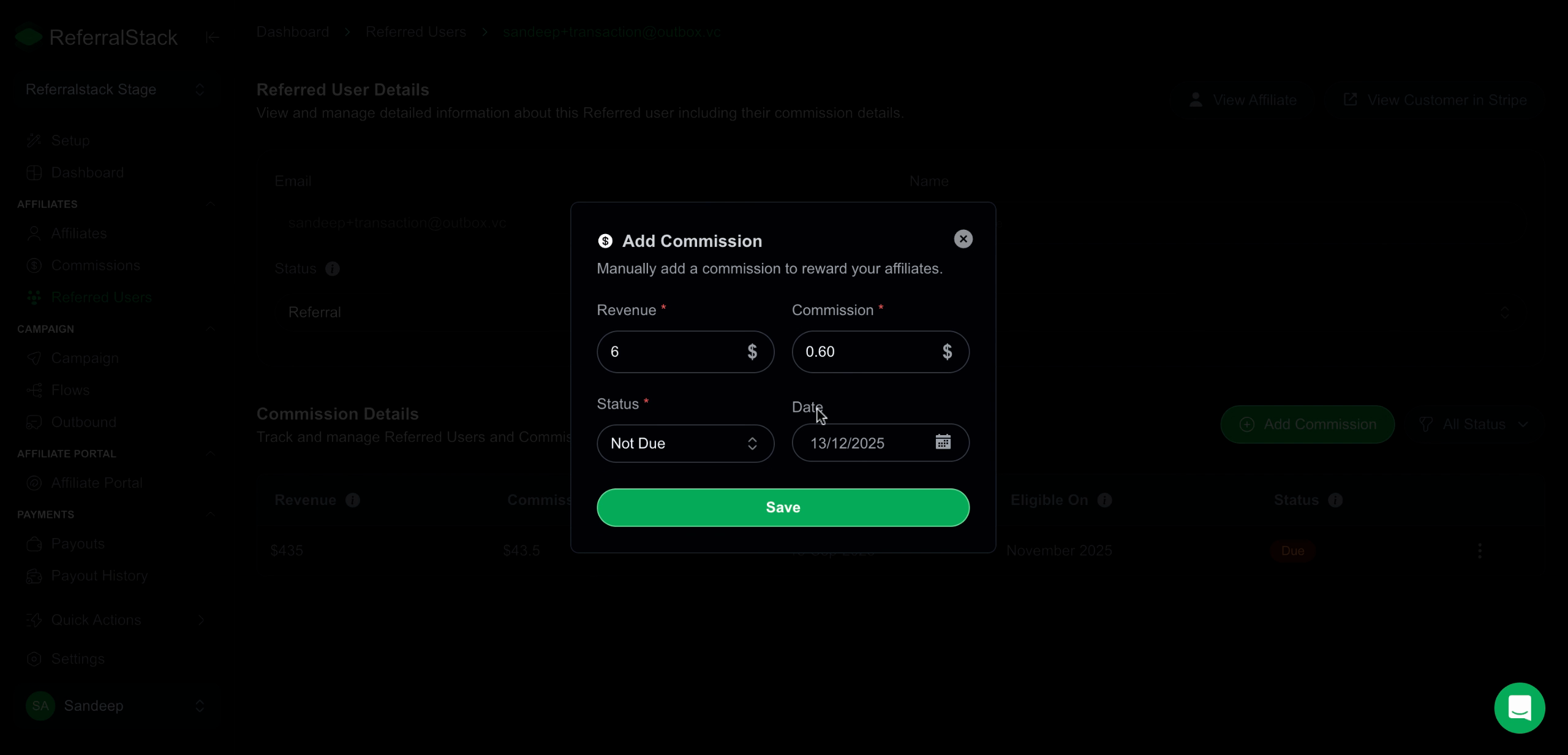
6. You can click on Add Commission, enter the revenue and commission amounts, select the status (Paid – payout generated and paid, Not Due – payout not yet generated, Due – payout generated but unpaid, Refunded – commission refunded), choose the commission date, and click Save to record and link the commission to the user.
Conclusion
The Referred User Dashboard lets you easily track and manage all users referred through your program. View each referred user’s activity, commissions earned, and status at a glance. You can update their referral status, monitor their transactions, and ensure accurate commission tracking, giving you full control and visibility over your referral program.