
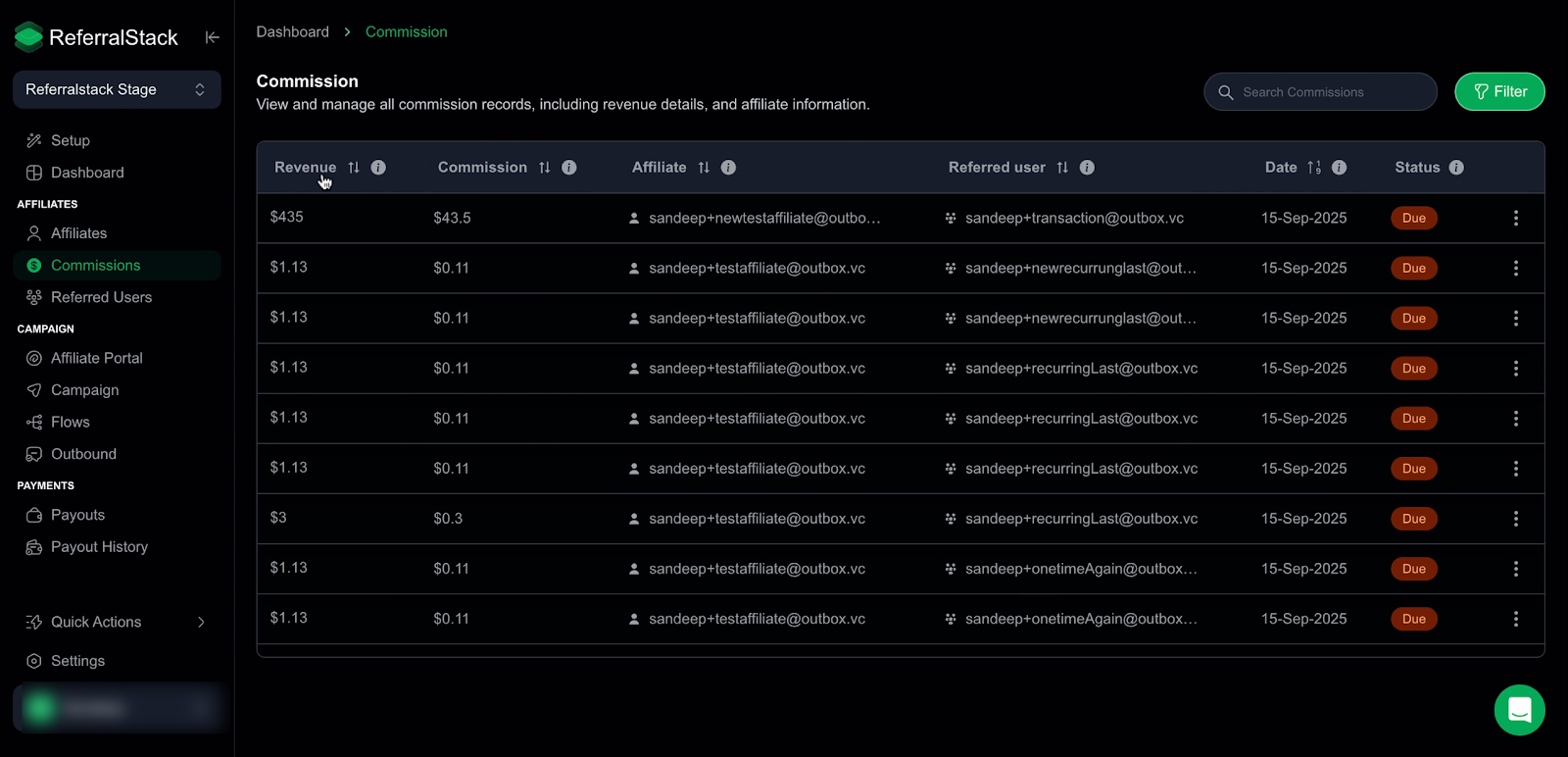
Access the Commission section to review commission activity, including revenue, affiliates, referred users, transaction dates, and payout status.
Paid: Payout completed
Not Due: Payout not generated
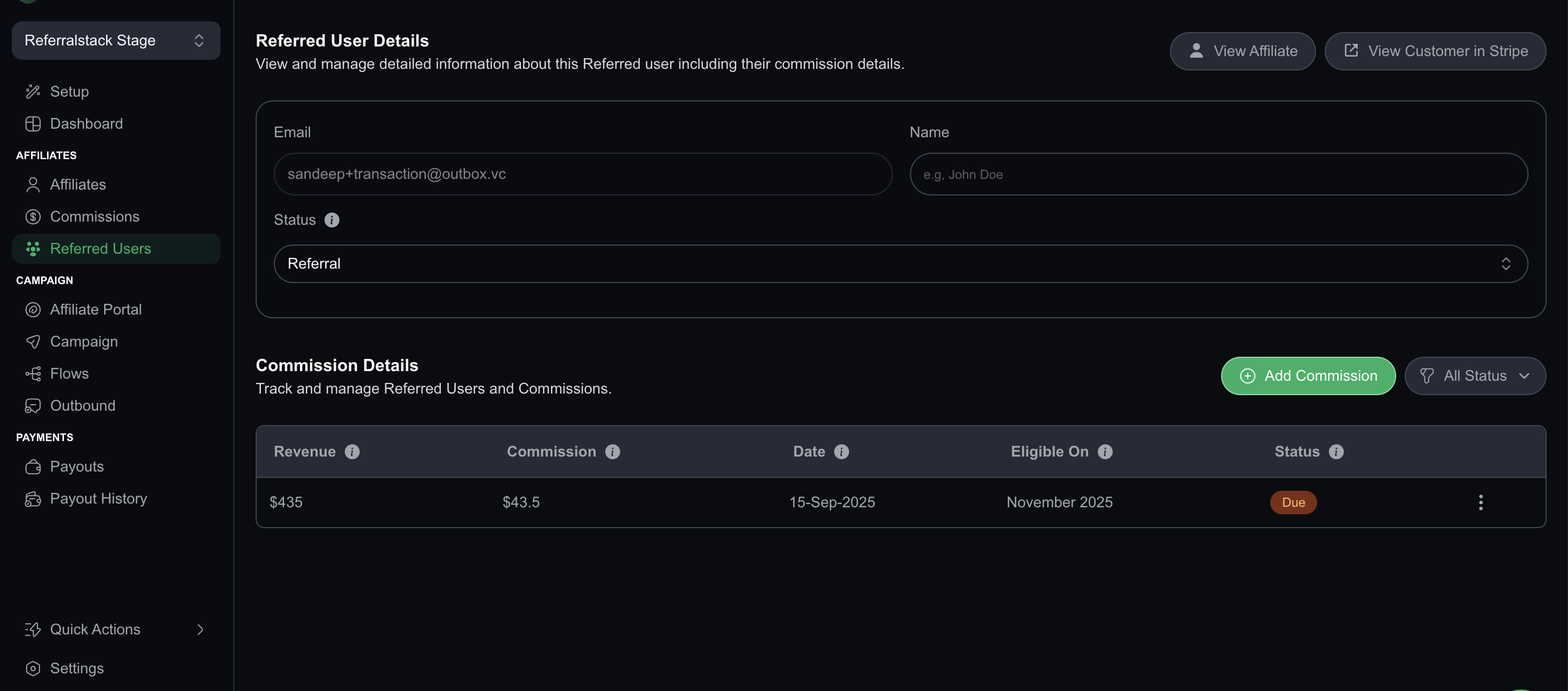
Due: Payout generated, pending payment
Refunded: Commission reversed
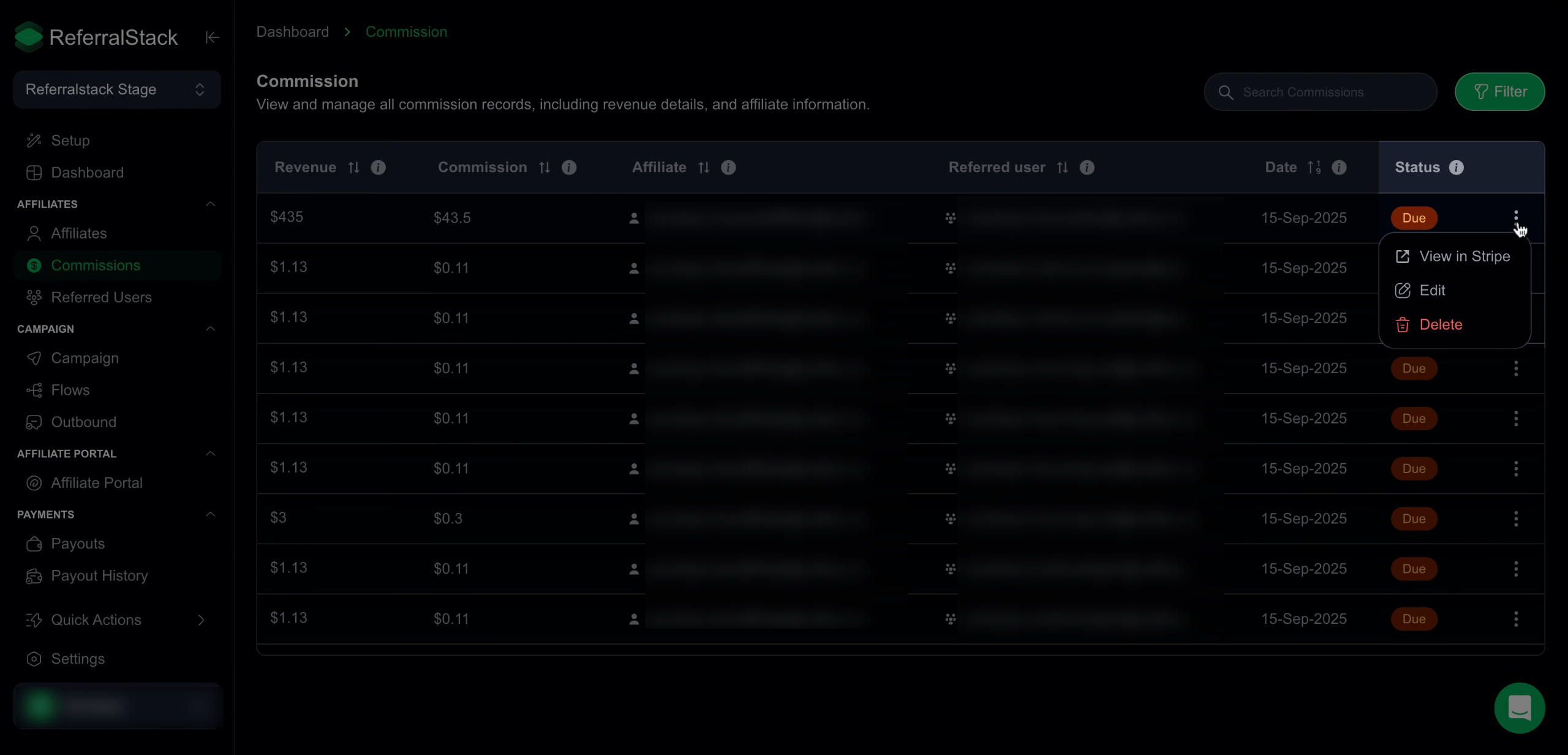
You can click the three dots next to a commission to view payment details in Stripe, edit commission information, or delete the commission if needed. This menu helps you manage commissions quickly and keep records accurate.
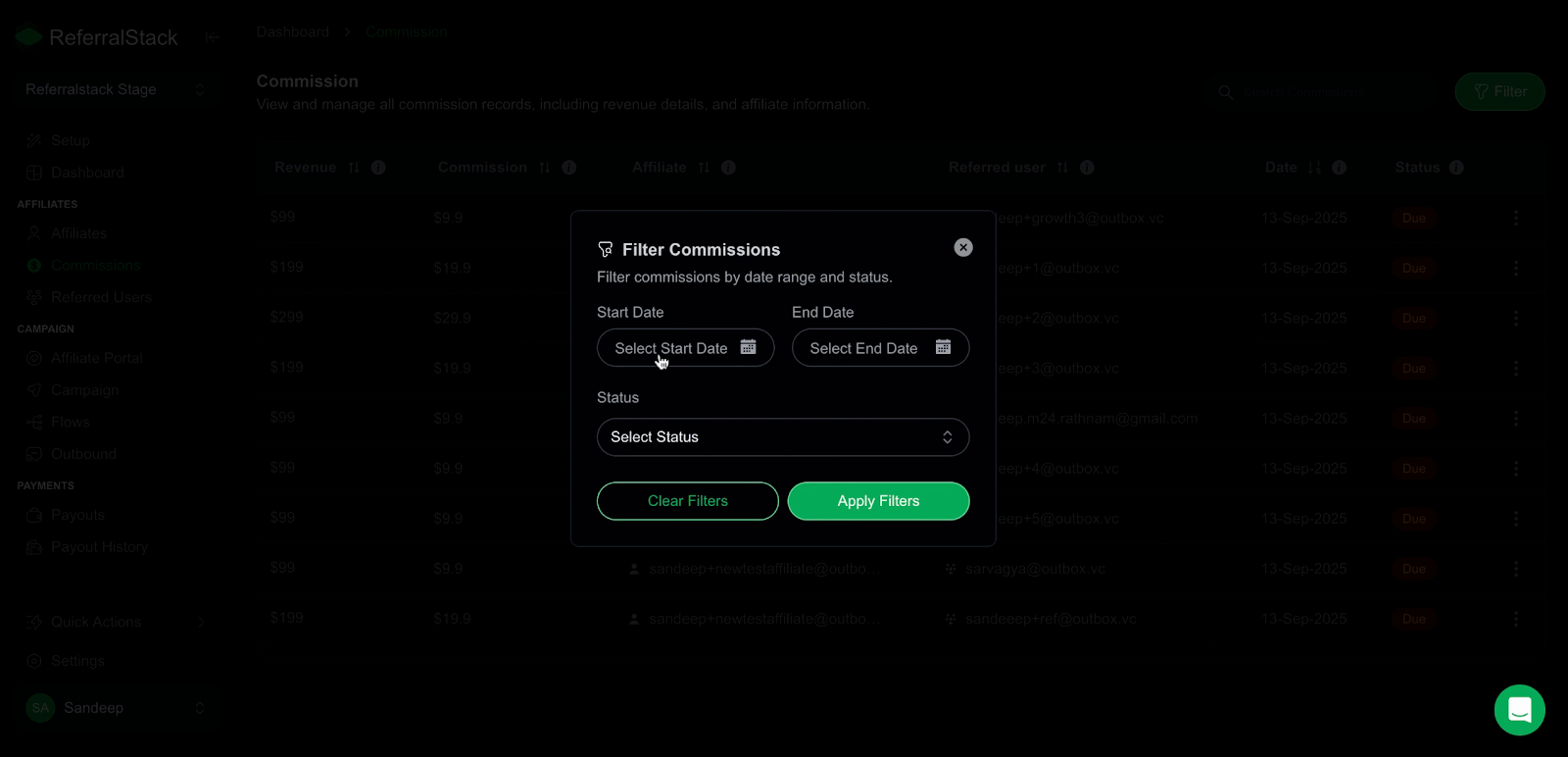
Filter commission records by selecting a start and end date to focus on transactions within a specific timeframe, enabling more precise tracking and analysis.
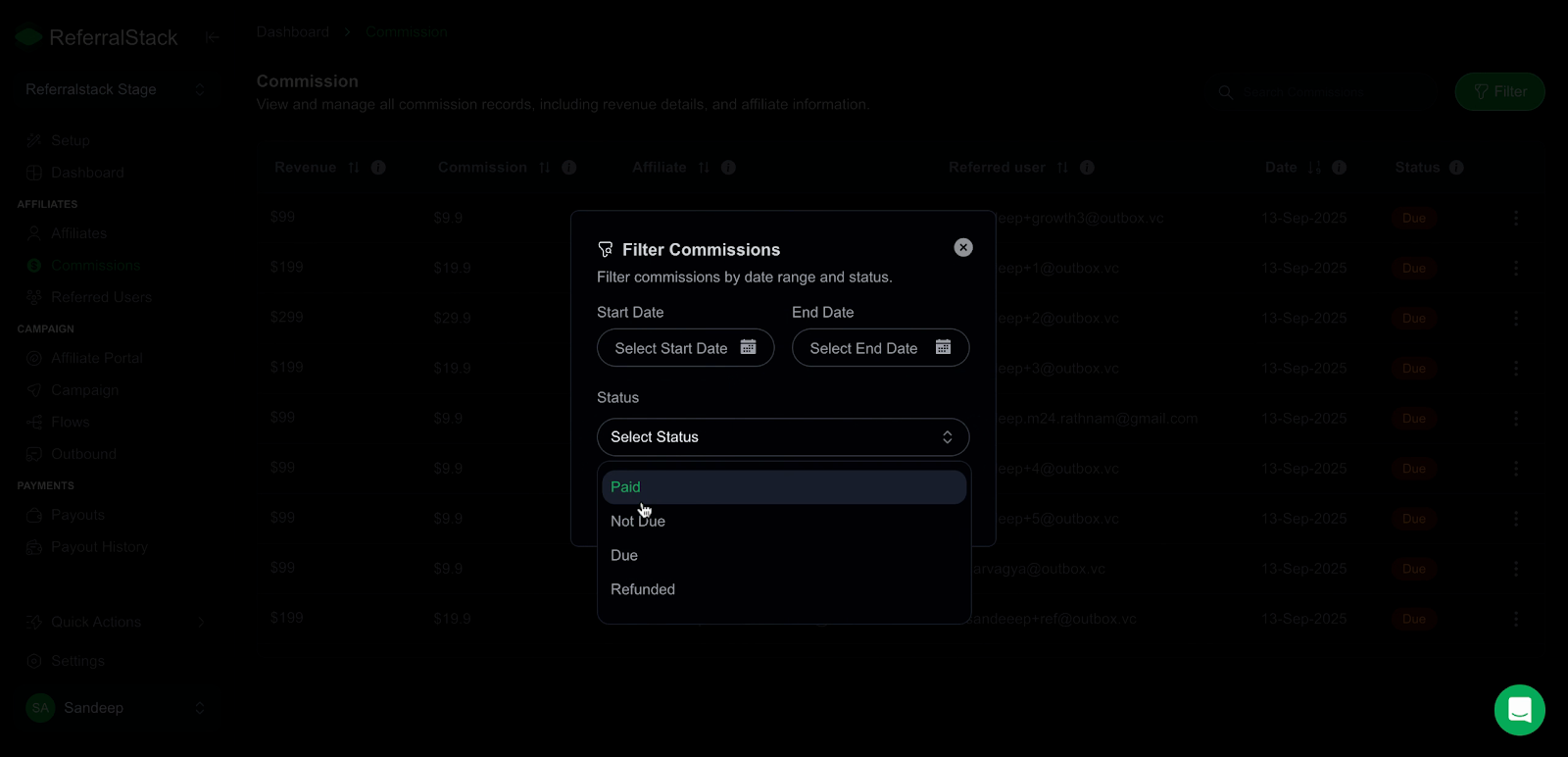
Select the commission status—Paid, Due, or Refunded to narrow your view and analyze records based on their current payout stage.
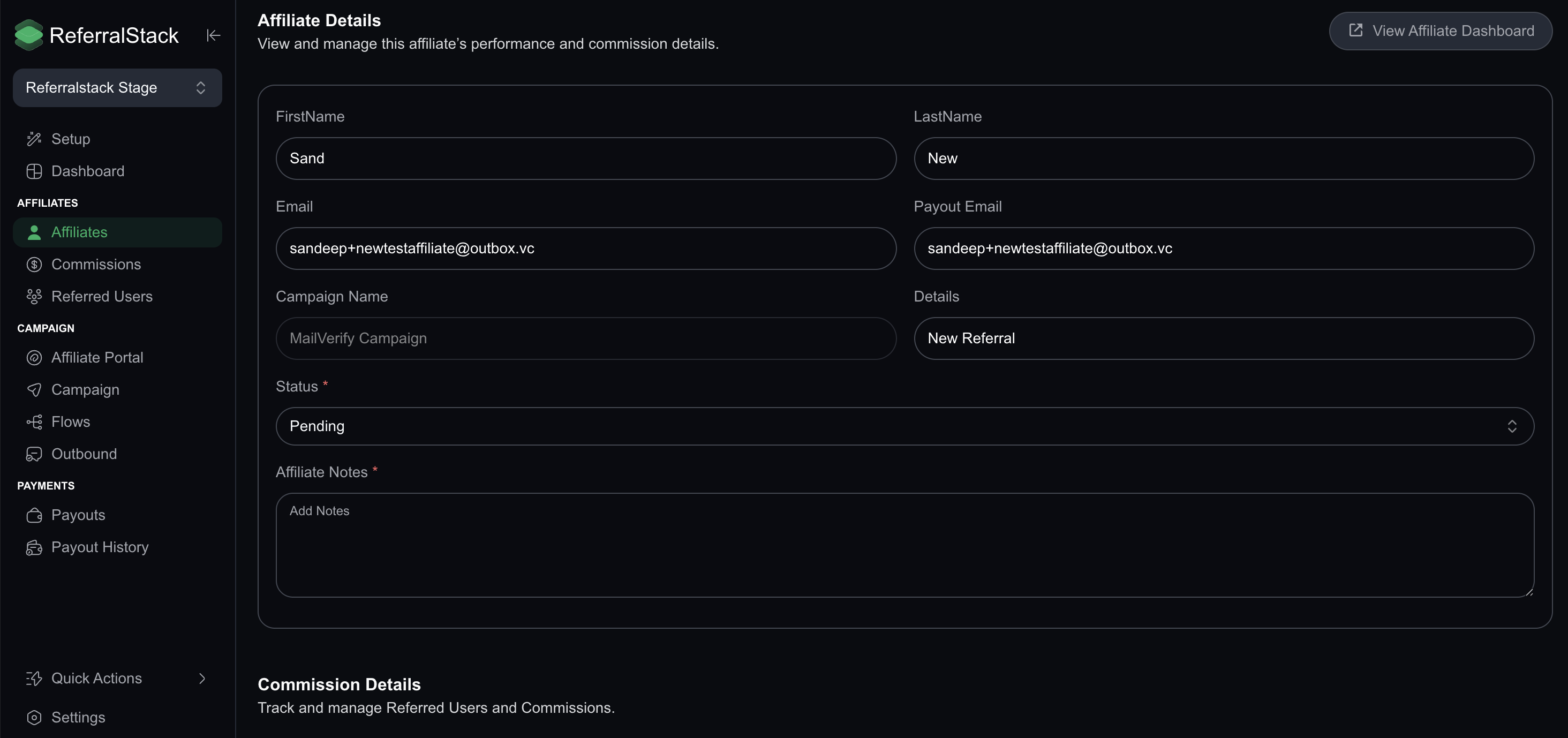
4. Clicking on an affiliate gives you a complete overview of their details, including contact information, payout status, campaign activity, notes, revenue, commissions, clicks, and referral performance.
Similarly clicking on a referred user displays all essential details about their referral status, activity, and associated commissions.
Conclusion
With the ReferralStack Commission Dashboard, you can easily stay on top of all partner commissions, ensuring clear visibility and efficient management. It streamlines your workflow so you can monitor payouts and make informed decisions with ease.